Web App & PWA Development · Christian Faith Harvest Church
A Church's Entire Sermon Library, in Your Pocket
A full-featured sermon streaming platform and installable PWA that gives every church member a personal, cloud-synced library, accessible on any device, with progress that picks up exactly where they left off.
Client
Christian Faith Harvest Church
Category
Web App & PWA Development
Services
6
Outcome
8 wins
// 01 — challenge
The challenge
Christian Faith Harvest Church had a growing library of sermons and a congregation spread across devices and schedules. Members had no dedicated way to access, track, or revisit sermon content digitally. Listening happened in fragments: started on a phone during a commute, abandoned at home, restarted from the beginning on another device. Series went unfinished. There was no way to know which messages someone had already heard, no way to save favourites, and no experience that felt like it belonged to the church. The congregation needed something that worked like a native app without requiring an App Store download, and the church needed it to be maintainable without ongoing technical overhead.
// 02 — approach
Our approach
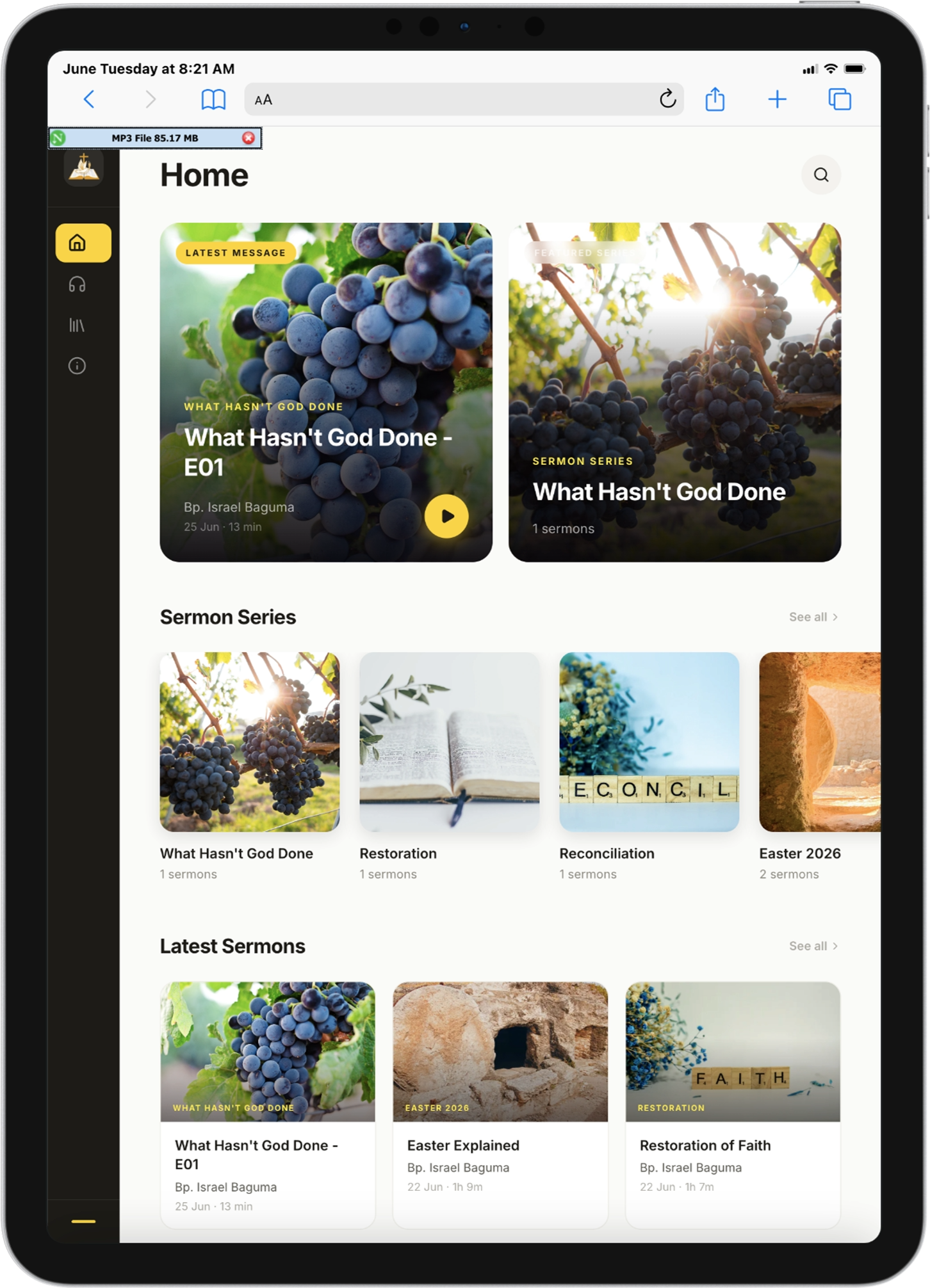
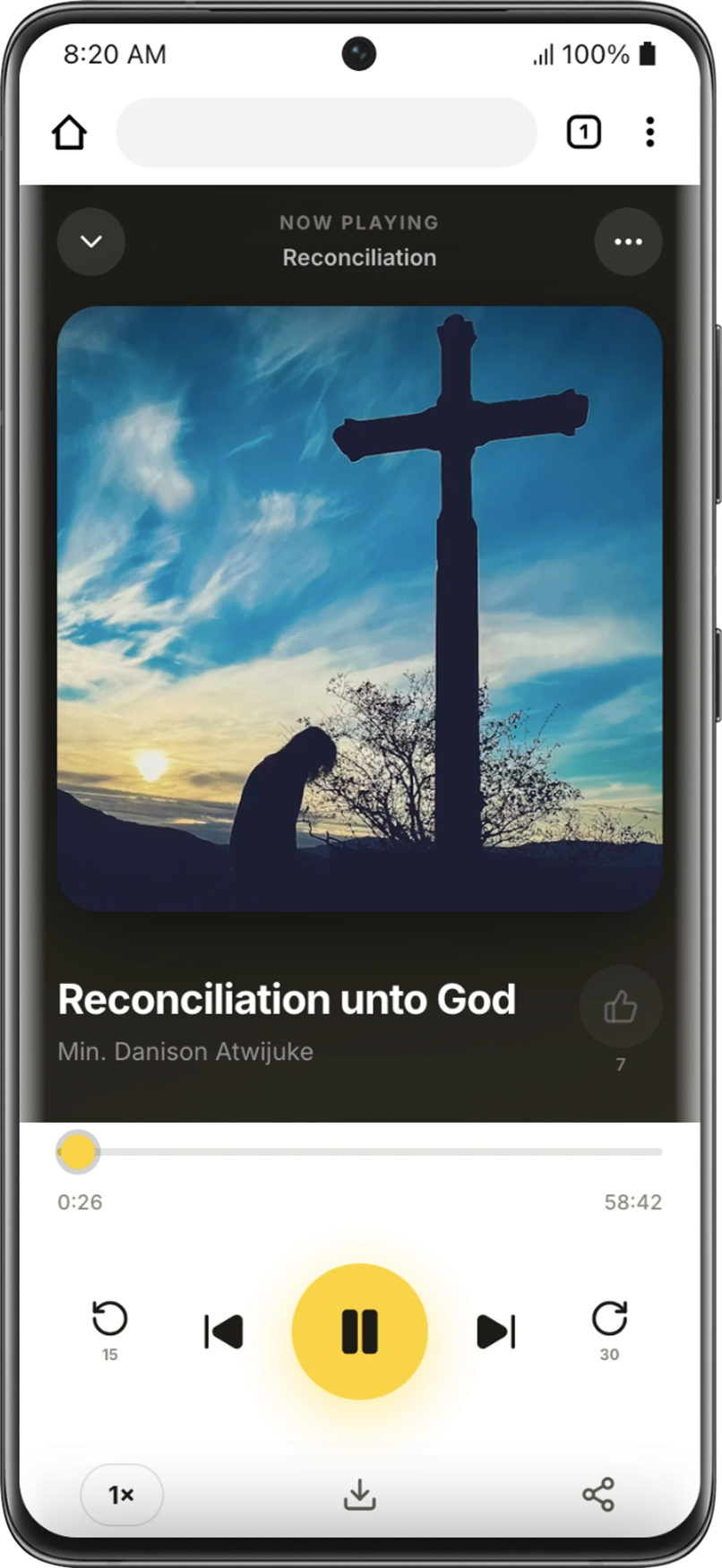
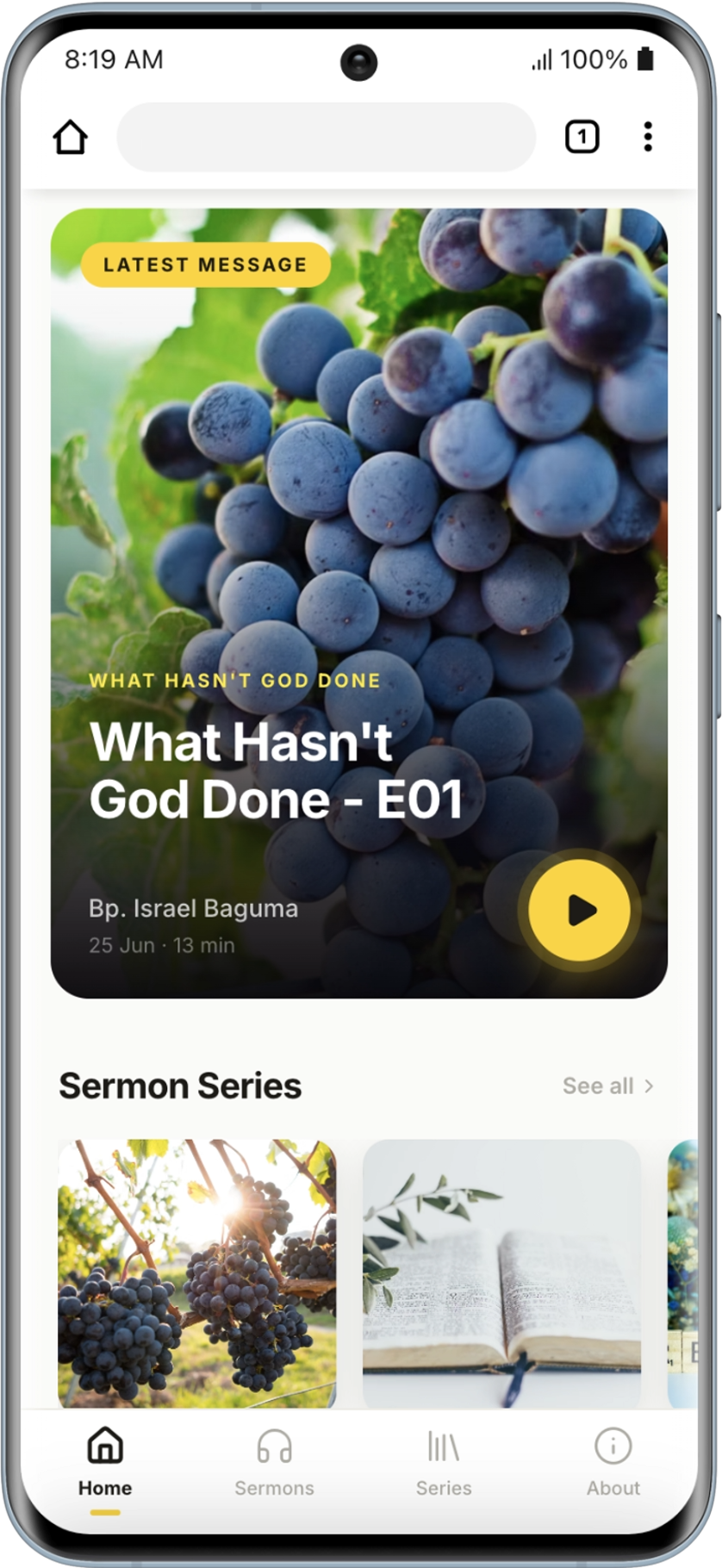
We built FHC Sermons as a Progressive Web App: installable directly from the browser on Android, iOS, and desktop, with a service worker that handles offline caching and silent auto-updates so members always get the latest version without clearing their cache. The audio player was engineered from the ground up, with a scrubber, skip controls, variable playback speed (0.75x to 2x), a sleep timer, and full lock-screen media controls so sermons can play in the background while the screen is off. Every listening position is saved automatically to Firestore and synced per account, so a member can pause on their phone during a commute and resume on their laptop at home. The home screen surfaces a Continue Listening card and a featured sermon, while browse and search let members explore by title, speaker, topic or series. Series pages show total duration and per-episode progress. Dark mode and playback speed preferences are saved per account. New users walk through a three-step onboarding tutorial shown once, and favourites added as a guest migrate seamlessly when they sign up.
// 03 — results